

Search & JQL
Find exactly
what needs you.
Press ⌘K to find an issue, summary, or project. For a more specific view, write JQL with suggestions for fields, operators, and values.
project = LOOP
AND priority = High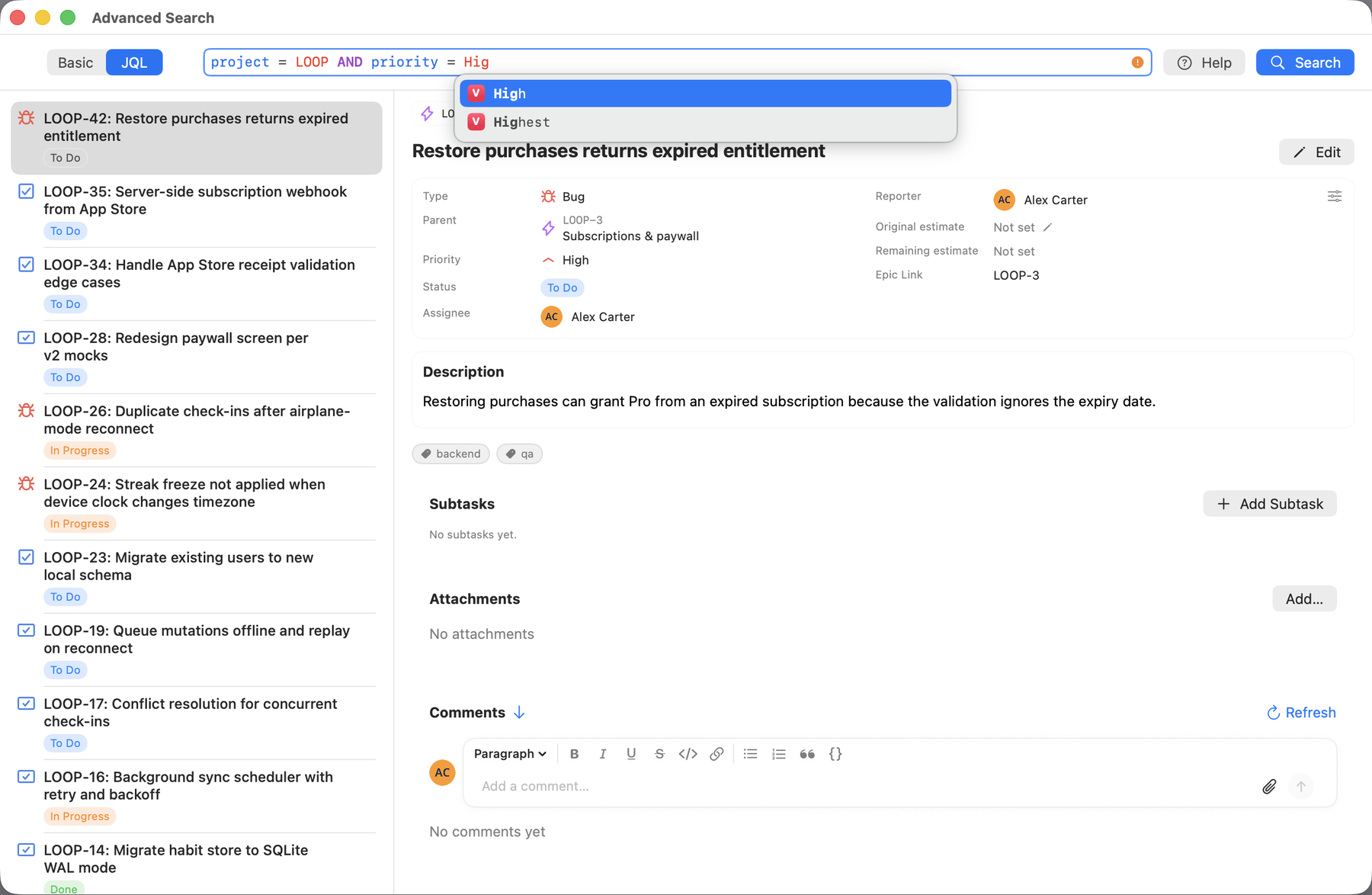

Your Jira projects, in a native Mac app. Find an issue, make an update, and get back to your work.
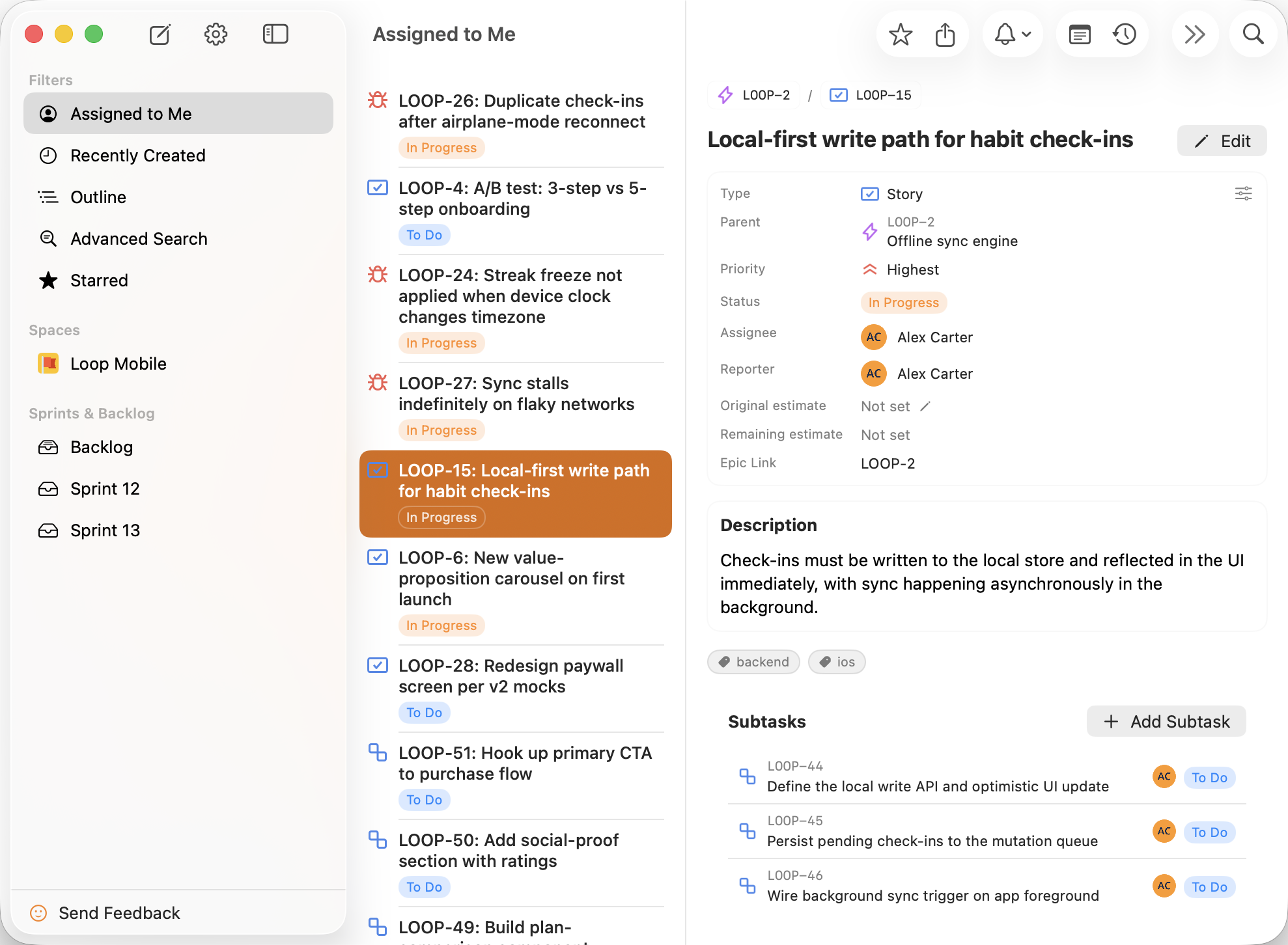
Connected to the work you already do
Your projects, issues, and workflows stay in Jira. Starlie connects to Jira’s API and brings your everyday work into a native Mac app.
A little less friction. All day long.
Small interactions, thoughtfully brought to the Mac.
Search & JQL
Press ⌘K to find an issue, summary, or project. For a more specific view, write JQL with suggestions for fields, operators, and values.
project = LOOP
AND priority = High
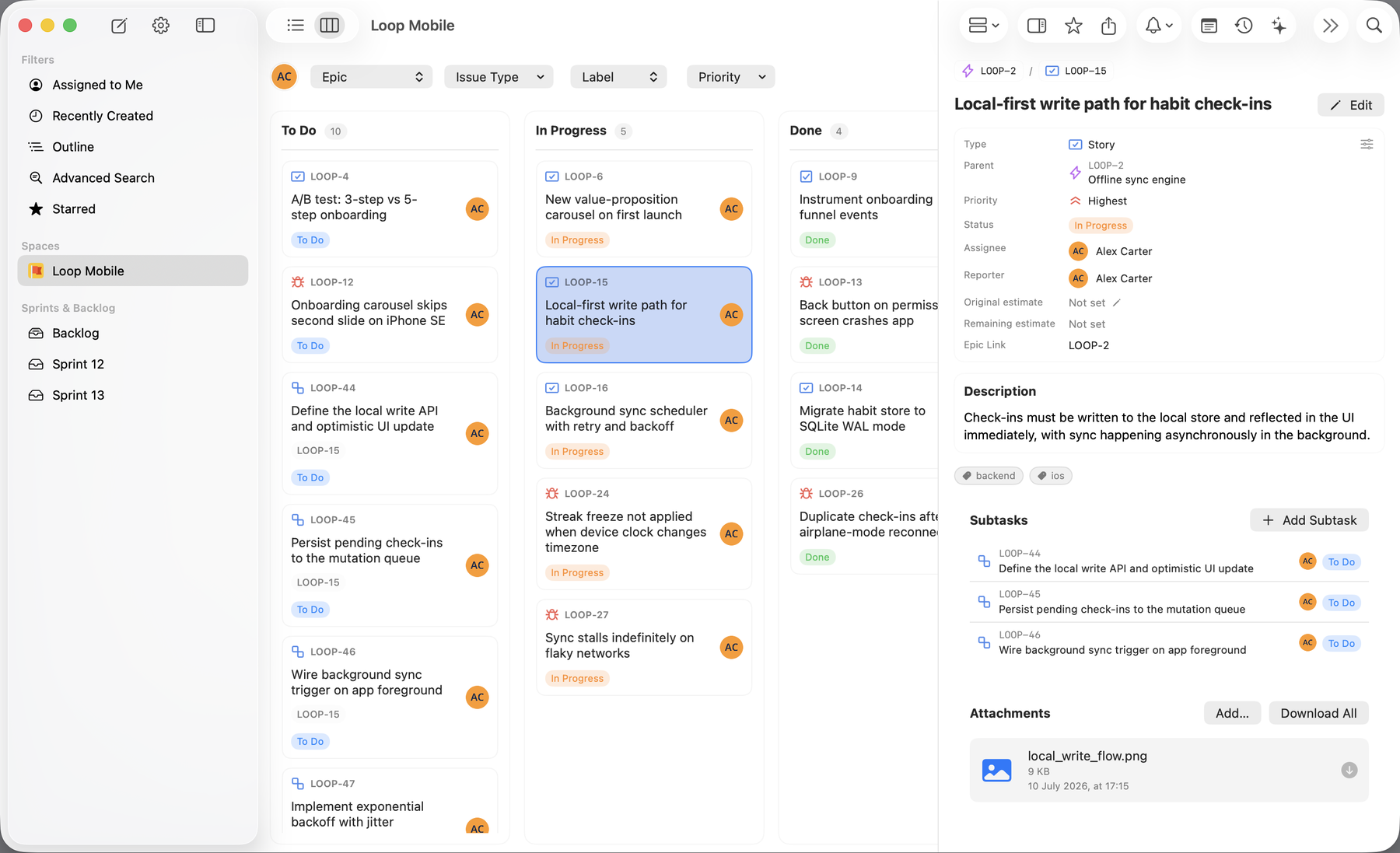
Sprint boards
See the active sprint at a glance. Drag a card to its next column and the change syncs to Jira.
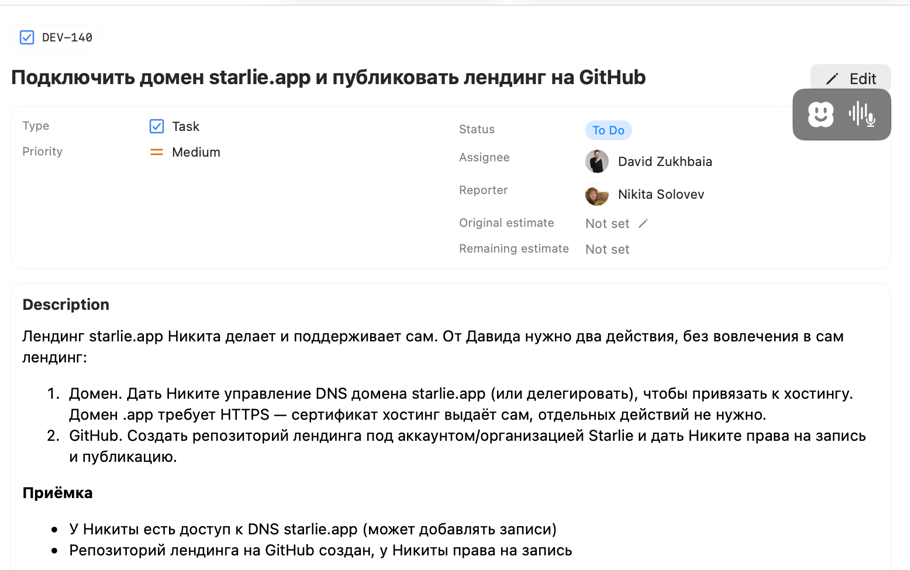
Issue details
Read the description, subtasks, and comments together. Change the status, assignee, or priority right from the issue.
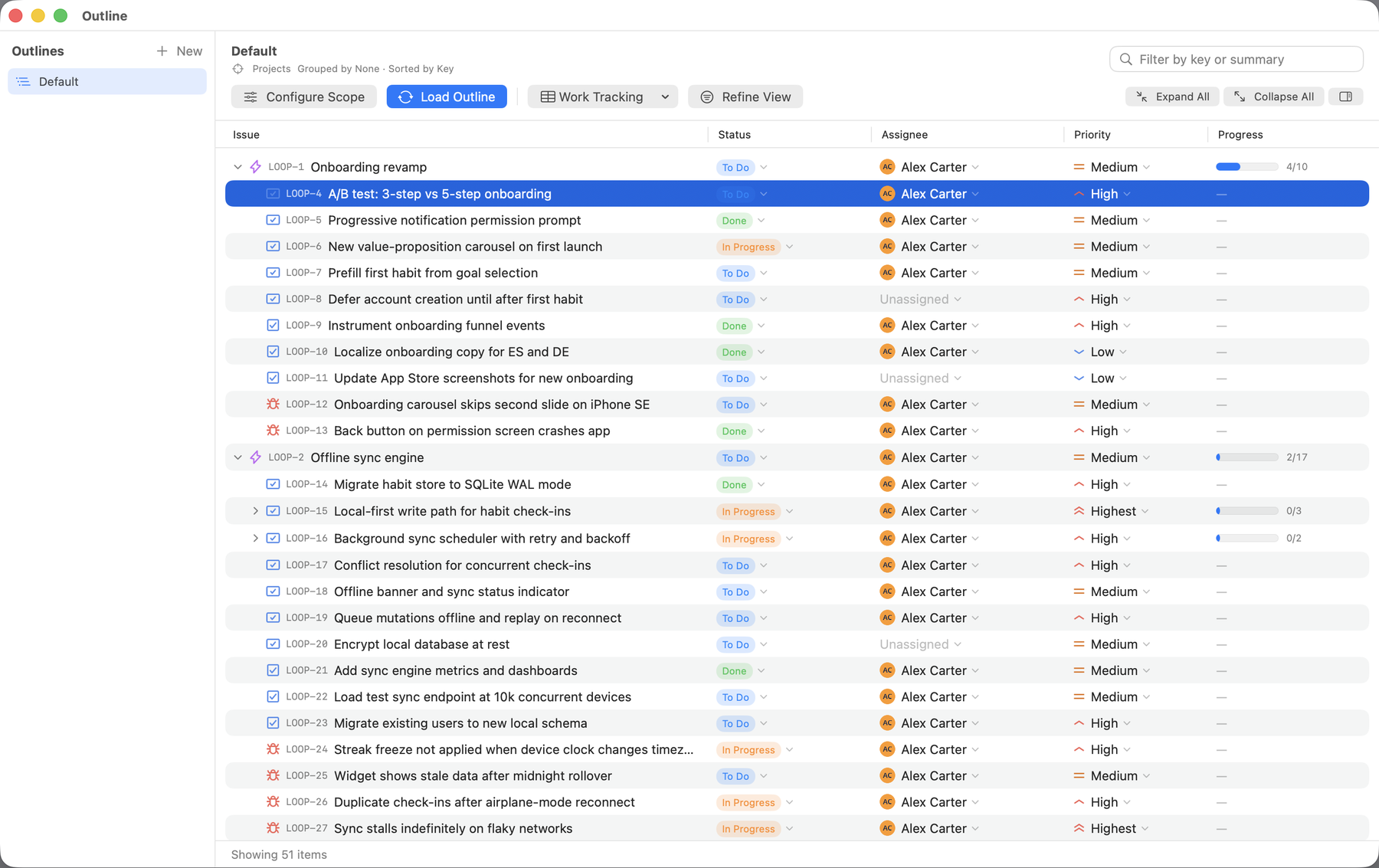
Outline
Bring epics, stories, and subtasks from multiple projects into one expandable tree. See who’s doing what, and how the work is progressing.
Feels right at home
The familiar touches that make a Mac app a Mac app.
Jump into search with ⌘K and move through your work with keyboard shortcuts.
Explore shortcuts →Open multiple windows to keep the details you need in view.
Stay in the loop with native macOS notifications.
Work in the appearance that feels comfortable on your Mac.
Wall of love
★★★★★
I couldn’t believe it when I saw somebody finally made an even better answer to Jira’s sunsetted native app. The web experience will never match a native app, and this app is proof of that. Still figuring my way around a few things, but this has been a game changer and is 20x better than the old app Jira put out. To the dev, you’re a hero, and I’ll try to share as much word of mouth as I can. Keep rocking the updates, you’ve built a wonderful piece of software.
Just subscribed. $14.99/year is totally worth it. Don’t let the cheapskates tell you any different.
★★★★★
Like it way more than web interface. I’m a product person, so I mostly use different types of boards and my experience became way smoother with this app.
Your Jira. Your Mac.
Install Starlie, connect your Jira site, and open your first issue. Works with Jira Cloud and self-hosted Jira. Requires macOS 15 or later.
Built for privacy
Starlie stores your credentials in the macOS Keychain. Issues, comments, and attachments travel directly between your Mac and Atlassian’s official API. Our server handles secure sign-in but never sees your Jira content.
How Starlie handles your data →Secure sign-in is handled by Starlie’s server.
What to know before you download Starlie.
Starlie is a native Mac app for Jira. It lets you search for issues, make updates, and manage your sprint. It requires macOS 15 or later.
Yes. Starlie works with Jira Cloud and self-hosted Jira instances. Choose the Jira site you want to use during setup. You do not need a separate Starlie account.
Start with a 7-day free trial. After that, choose $2.99 per month, $14.99 per year, or a $29.99 lifetime license.
Starlie keeps your credentials in the macOS Keychain. Issues, comments, and attachments travel directly between your Mac and Atlassian's official API. Our server handles secure sign-in but never sees your Jira content.
Install Starlie from the Mac App Store. Open it from Launchpad or Spotlight, then connect your Jira site. Setup takes about five minutes.
Yes. Starlie is built with native macOS technologies rather than Electron. It supports native notifications, light and dark mode, multiple windows, and fast issue loading.
No. Atlassian stopped supporting its own Jira Cloud for Mac app in February 2022 and offers the web app and mobile apps instead. Starlie fills that gap. Compare every Jira desktop app option.
Connect your Jira site and start with a free 7-day trial.